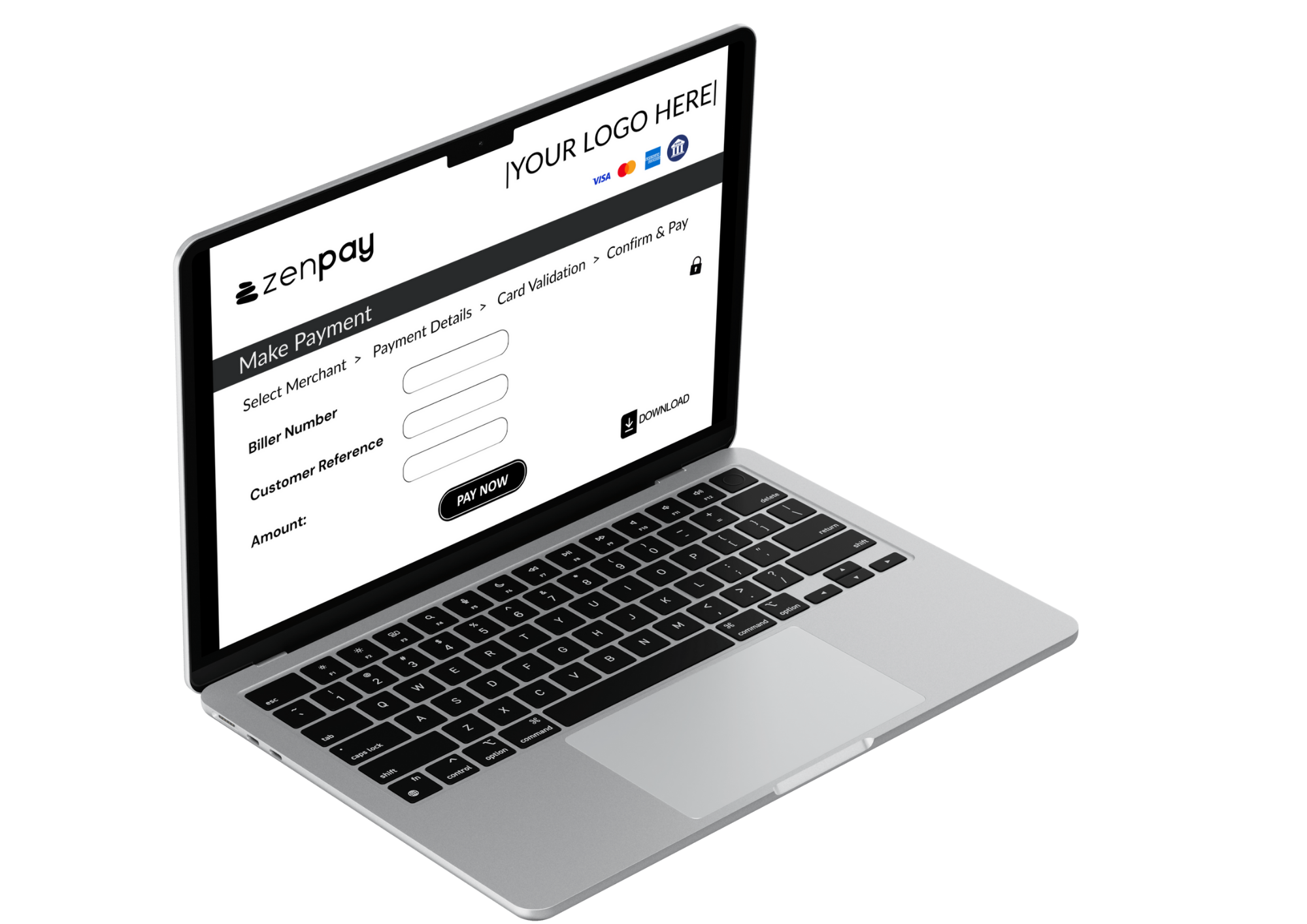
Zenpay Invoice Payments make it easy for agents and merchants to get paid by simply adding a secure Zenpay payment link to their invoices. Your customers click the link, pay online in minutes, and you receive payment faster.
Invoice payment with ZenPay
With ZenPay, you can accept all credit and debit cards. You and your customers receive notifications when payments are processed. It’s a smarter, more convenient way to collect payments for invoices of any size, any industry.
Invoice Payment Benefits
Simple
Works with your existing invoicing and accounting tools. Easy one-click access from the invoice for the customer.
Branded Experience
Deliver a clean, secure checkout that reflects your business and builds customer trust.
Visible
Instantly see when an invoice has been paid with real-time notifications and reporting.
Reduced payment chasing
Spend less time following up, reconciling payments, or matching transfers to invoices.
Flexible
Customer can pay you securely online 24/7.
Cost-Free
No cost to you. Unless, you choose to absorb the card processing fees.
Get Paid. Keep 100%.
No merchant fees
No transaction fees
No card terminal fees
No monthly charges
No set up fees
No failed payment fees
How it works
Create your invoice
Create your invoice
Generate your invoice as you normally would, using your accounting software or invoicing system.
Invoice your customer
Easily add your ZenPay 'Payment Link' to your invoice. You can do this from Xero, MYOB and QuickBooks (plus others).
Send to your customer
Email the invoice or share it through your preferred communication channel. Your customer clicks the link and completes payment securely using their preferred payment method .
Trusted Payments, Built Into Your Invoice.
Need help? Our Australian-based support team is here to guide you through setup and best practices.